Making Smarter Design Easier: Introducing CourseArc’s AI Features
Explore CourseArc’s new AI features—generate alt text, convert outlines into lessons, and create quizzes—built to save time and support accessible course design.


Explore CourseArc’s new AI features—generate alt text, convert outlines into lessons, and create quizzes—built to save time and support accessible course design.
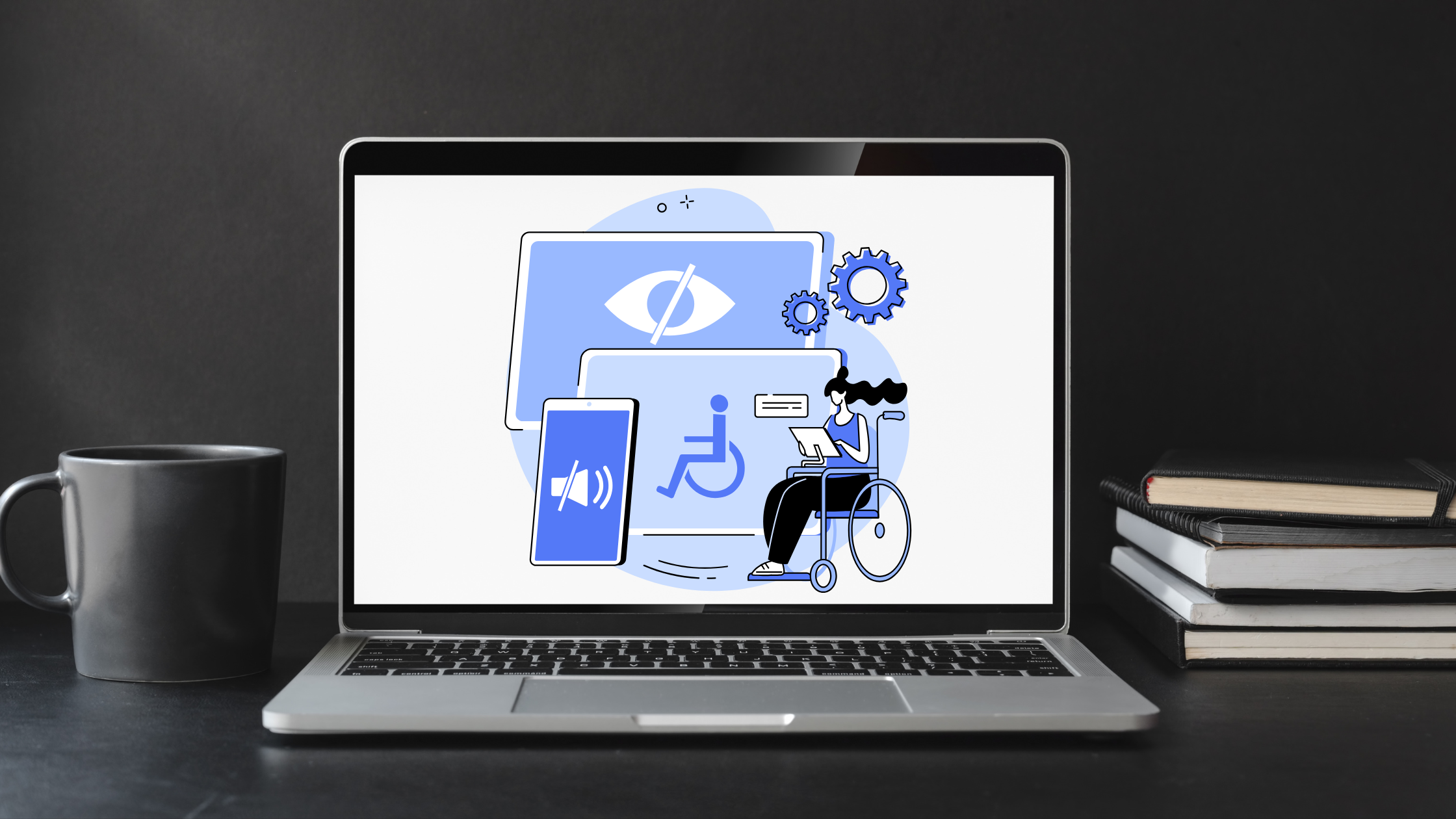
Digital accessibility isn’t just about compliance—it’s about creating a better, more inclusive experience for everyone. With the recent updates to ADA Title II, public entities now have clearer guidelines to follow, making accessibility a top priority. But what does this mean in practice? How can organizations ensure their digital content meets WCAG 2.1 AA standards while also improving the user experience? To unpack the latest changes and share actionable insights, we sat down with Shannon Urban, Accessibility Director at McGraw Hill, who supports CourseArc with accessibility work.
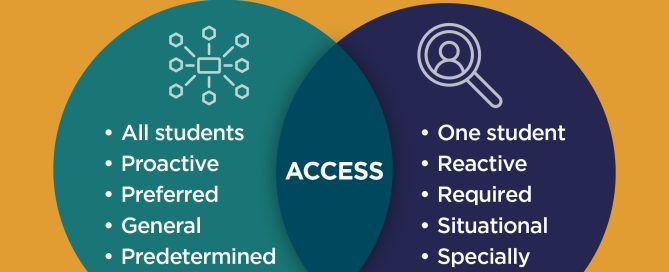
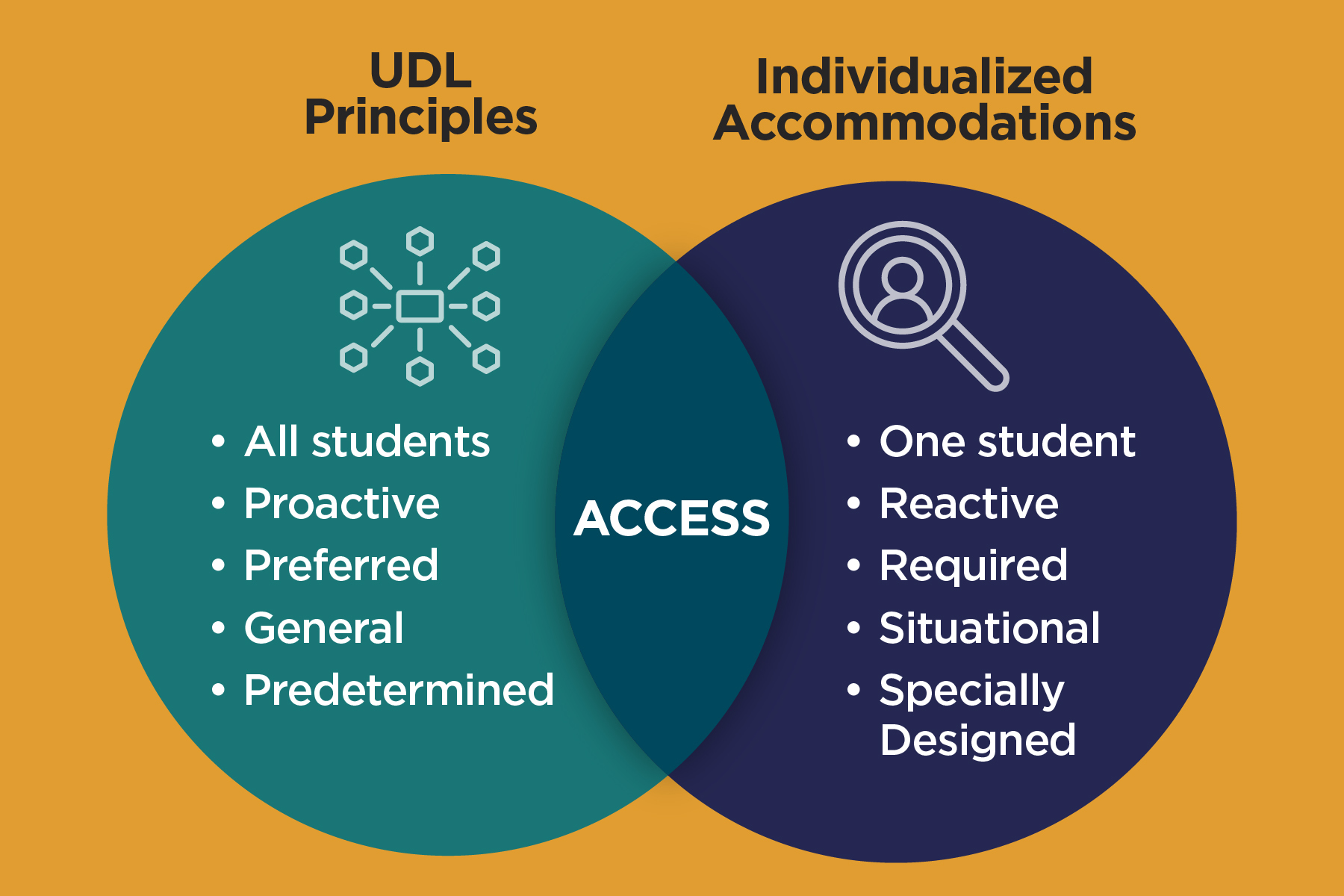
Universal Design for Learning, or UDL, provides a framework for instructors—whether its higher education, K-12 or even corporate learning—that removes potential learning barriers for all learners, including those who experience learning differences and those with learning disabilities. In comparison to individualized accommodations, UDL anticipates what works best for a variety of students and intentionally integrates that throughout the course, reaching a larger portion of students. With UDL, authentic learning takes place, permitting learners to uniquely engage with educational content with multiple opportunities to respond and express their evidence of learning. Read on to learn more.
In this guest post by ReadSpeaker, you'll learn the meaning of standard text to speech (TTS) and about some of the populations who benefit from TTS. You'll learn a few ways businesses can leverage voice technology to achieve mission-critical goals. You'll also learn the history of this continually developing field.
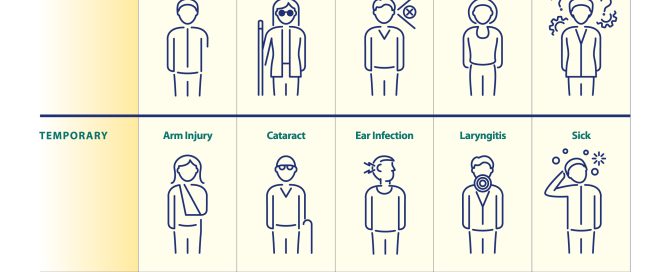
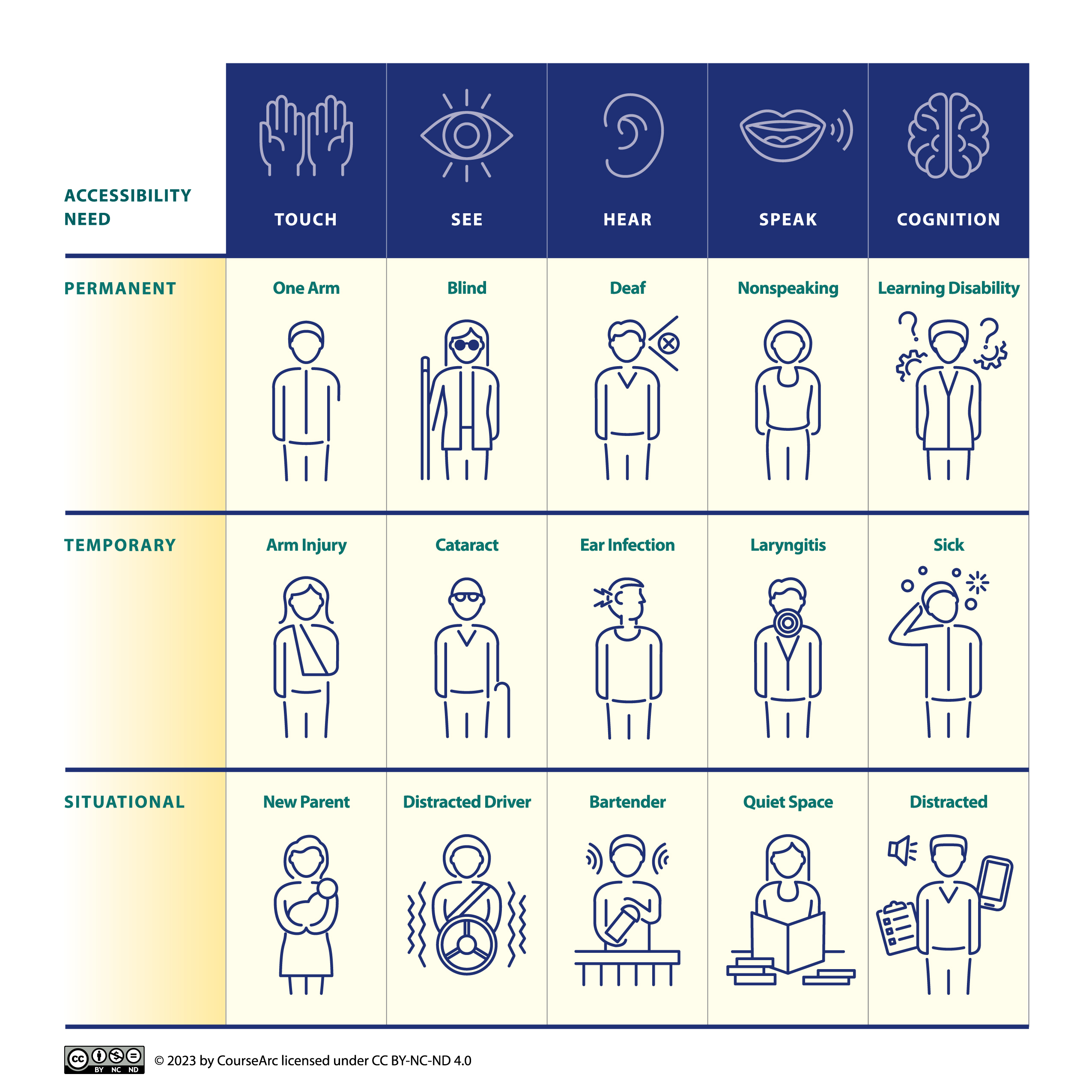
Accessibility goes beyond ensuring that our buildings, roads and walkways are safe and usable for as many people regardless of ability. It also extends to our digital spaces – websites, online courses, social media, apps, etc. – to ensure that information and activities are sensible, meaningful, and usable for as many people as possible. Just like a website, documents are also required to meet accessibility standards.
CourseArc’s founding story centers on creating better lifelong learning opportunities for all and removing barriers so everyone can learn. We saw firsthand the limitations that many products on the market had—especially when it came to accessibility—and worked to build a course authoring tool that would address that. That drive to create accessible online course content has remained at the forefront of everything we do.
Well-executed content creates a better user experience for everyone. When content on a website is accessible, it means all users, regardless of their level of ability, condition, or circumstance are able to access it. Here are five surefire ways your content hits the mark.
Digital content and online learning are far from new, but as we have learned - especially in light of the past year - quality online learning experiences are in high demand. There is a lot of confusion, though, on the differences between an LMS and CAMS. Does your organization need both? When is the right time to integrate a CAMS with my LMS? We dive into these important questions and distinctions.

© 2026 CourseArc. All Rights Reserved.