

CourseArc Unveils AI Tool to Assist Visually Impaired Users
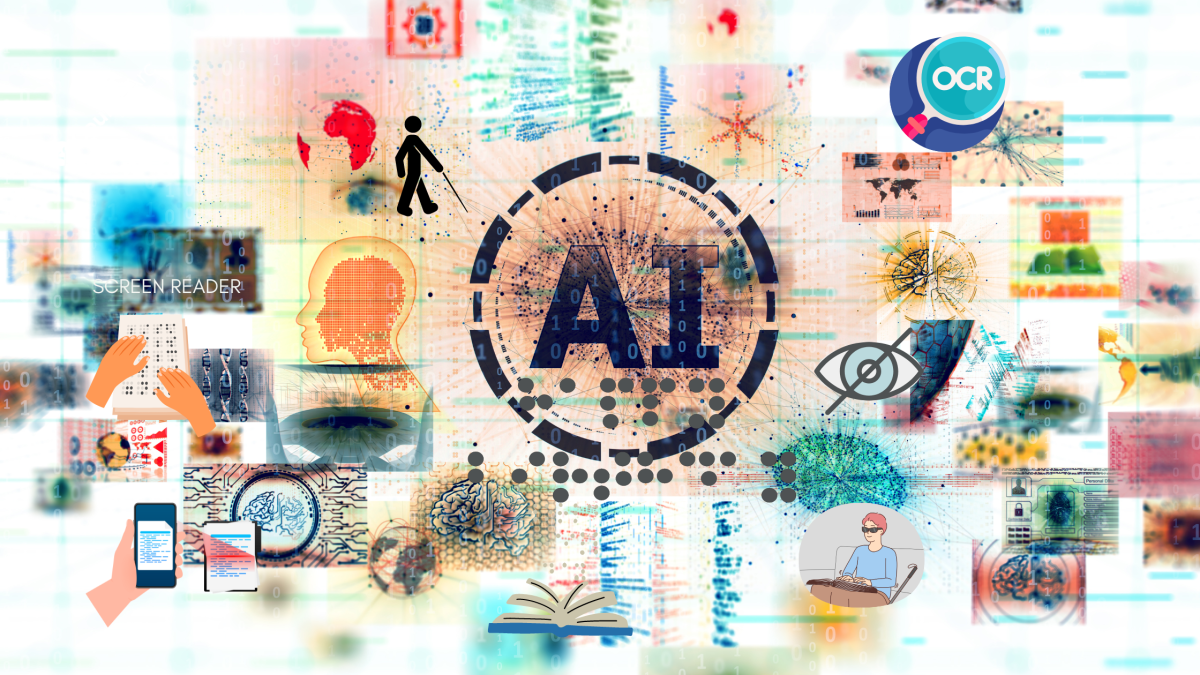
As we explored in our “The Future of Online Learning is AI” blog post, the advancements in artificial intelligence (AI) technology has brought forth many new and exciting uses, especially for education. CourseArc has been committed to staying at the forefront of this new technology, and has been exploring ways to utilize AI to help everyone achieve accessible content.
Today, we are proud to announce and unveil our new AI tool designed to assist visually impaired users: Image Insights. Image Insights is free to anyone and everyone who has a ChatGPT account.
Image Insights
Image Insights is a customized version of ChatGPT designed to assist visually impaired users by providing detailed descriptions of images. This tool extracts text from images using Optical Character Recognition (OCR) and generates comprehensive descriptions that capture not only the visual elements but also the nuances, such as emotions, settings, and implied messages. The aim is to ensure that users have an accurate understanding of what the image portrays, enhancing their ability to engage with visual content.
Assisting Visually Impaired Users
Image Insights is tailored to meet the specific needs of visually impaired users. It goes beyond basic image descriptions to offer in-depth explanations that help users grasp the full context and subtleties of visual content. This customization is vital for enabling visually impaired individuals to access information that is otherwise difficult to interpret without sight.
Image Insights Features
Detailed Image Descriptions
- Image Insights provides detailed descriptions of images, breaking down complex visuals into understandable segments. It includes information on colors, shapes, objects, and their arrangements, ensuring that users get a clear picture of the image’s content.
- For example, an image of a sunset over a beach would be described with details about the colors in the sky, the position of the sun, the appearance of the water, and any visible elements on the shore.
Optical Character Recognition (OCR)
- Image Insights uses OCR to extract text from images. This feature is particularly useful for interpreting signs, labels, or any text-based content within an image.
- The tool converts the extracted text into a readable format and includes it in the description, providing users with both visual and textual information.
Contextual Nuances
- Beyond just describing what is visible, Image Insights captures the context and implied messages within an image. This includes identifying emotions expressed by people, the mood of the scene, and any significant background details.
- For instance, in a photo of a family gathering, Image Insights would describe the setting, the interactions between family members, and any emotions conveyed through facial expressions and body language.
User-Friendly Interactions
- The tool is designed to interact with users in a warm and approachable tone. This ensures that the descriptions are not only informative but also engaging and easy to understand.
- Technical jargon is avoided unless necessary for clarity, making the information accessible to users with varying levels of technical knowledge.
Using Image Insights with CourseArc
Here are ways that the Image Insights AI tool can be used within the CourseArc environment:
- Copy and paste the output into the ‘Long Description’ area of the Image Block;
- Create textual content based on an image for use on a page;
- Create tables from charts, graphs, etc. to use on a page; and
- Use the output to create an assessment item based on the image.
Who Can Use Image Insights
Who can use the Image Insights tool? The short answer: anyone! Below is a non-exhaustive list of the ways in which the Image Insights tool can be applied:
Educational Tools
- Supporting visually impaired students with image-based learning
- Accessibility in digital textbooks and educational resources
Web Accessibility
- Enhancing website content for visually impaired users
- Meeting accessibility standards and guidelines
Social Media Accessibility
- Describing images in social media posts
- Ensuring inclusivity in online interactions
Professional Use Cases
- Assisting in visually demanding professions
- Providing descriptions for presentations and reports
Benefits of Image Insights
CourseArc’s core and founding mission is to remove barriers so everyone can learn. Here are just a few benefits of the new Image Insights tool:
- Promotes inclusivity and equal access;
- Enhances the user experience for visually impaired individuals;
- Reduces barriers in communication and information access; and
- Allows users to interact with the tool to request modifications, clarification, or change the way information is delivered (example: converting from lists to a table).
A Note About Usage
The Image Insights tool is free to all users, but users must have a ChatGPT account to access it. Due to the current restrictions for free accounts and GPT-4.0, people with a standard account will run into limitations on how many times they can use Image Insights per day. People with ChatGPT Plus accounts will not run into these limitations.
We strongly suggest users turn off the setting that allows their chats to improve the larger model.
Image Insights was created by CourseArc but we do not control and have not contributed to the LLM running it.
We will continue to make improvements to Image Insights but it is not part of the core CourseArc platform and therefore is not part of our overall development cycle.
As with all uses of AI, there will be mistakes and imperfections. This tool was created to help people and improve accessibility and productivity, but it will make mistakes and have limitations. Improving output from ChatGPT is also an iterative process. Image descriptions can improve by asking ChatGPT for tweaks.
We are not affiliated with or beholden to OpenAI or ChatGPT in any way.
Read more information about Image Insights on our website.
CourseArc and AI
CourseArc is committed to staying at the forefront of educational technology by actively researching and incorporating the latest advancements in AI. While we recognize the excitement of AI, we are equally aware of the associated challenges and concerns. Therefore, we are taking a cautious and deliberate approach to integrating AI into our platform, ensuring that our clients can trust in the responsible use of this powerful technology.
Our mission is to help our clients save time and improve workflows, ensuring they receive the most practical and beneficial applications of AI while delivering high-quality and engaging course content. For example, AI can tailor educational experiences to individual students, handle administrative duties, and offer immediate feedback, thereby improving the learning process. We are committed to delivering high-quality and engaging course content while using AI responsibly.
Learn more about our approach to AI, join us in the conversation, and stay tuned for what’s to come for CourseArc and AI.
CourseArc, a content authoring and management system (CAMS) supports organizations as they facilitate the collaborative creation of engaging and accessible online learning. Check out our resource site to see how we can help your team. Check back to our blog and social media feeds for additional resources and case studies on how our clients are using CourseArc to move their classrooms online.


Leave A Comment